What it is
A quotation turns your cost sheets into a priced offer against a buyer RFQ. You can re-cost a line to the buyer's target (taking a thinner or fatter margin), mint a fresh revision for a new offer, and record whether the RFQ was won or lost.
How to use it
Send the quotation — it goes as a confirmed price when every linked style's costing is signed off, or as an indicative price that says so; sending no longer freezes the style. Mark it accepted when the buyer agrees, then award the line — which creates the order carrying the agreed price, quantity, and payment terms. Mark a lost RFQ with a reason to build your win-rate history.
Good to knowRe-costing to a target only moves margin, never the underlying cost inputs, and it refuses a target at or below your loaded cost.
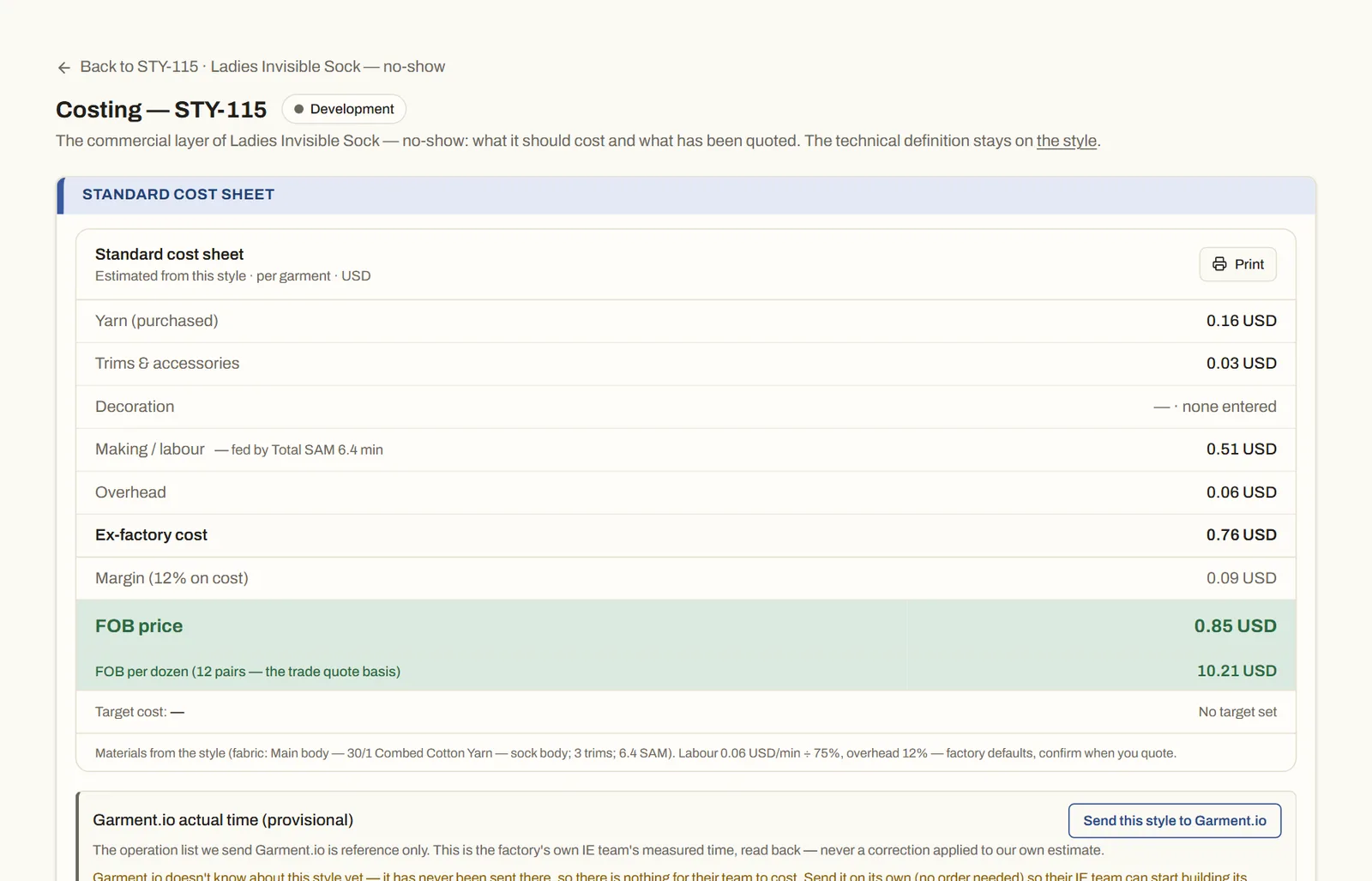
See it on real screensA cost you can defend, a quote the same dayOpen the feature page →