What it is
An order is the factory's received order from a buyer. It carries the buyer, style, a size×colour breakdown, quantity, ship date, line-feed date, incoterm, and reference numbers (buyer PO, LC, booking). It can be created blank or awarded straight from a won quotation.
How to use it
Create an order manually, or pull it from an accepted quotation so the buyer, style, quantity, price, and terms carry over with no double entry. Fill the size×colour breakdown grid; the total derives from it. Set the line-feed date (when materials must be in-house to start).
Good to knowThe breakdown reads the picked style's own size scale — a socks style shows EU sizes, not alpha — so you never distribute against the wrong columns.
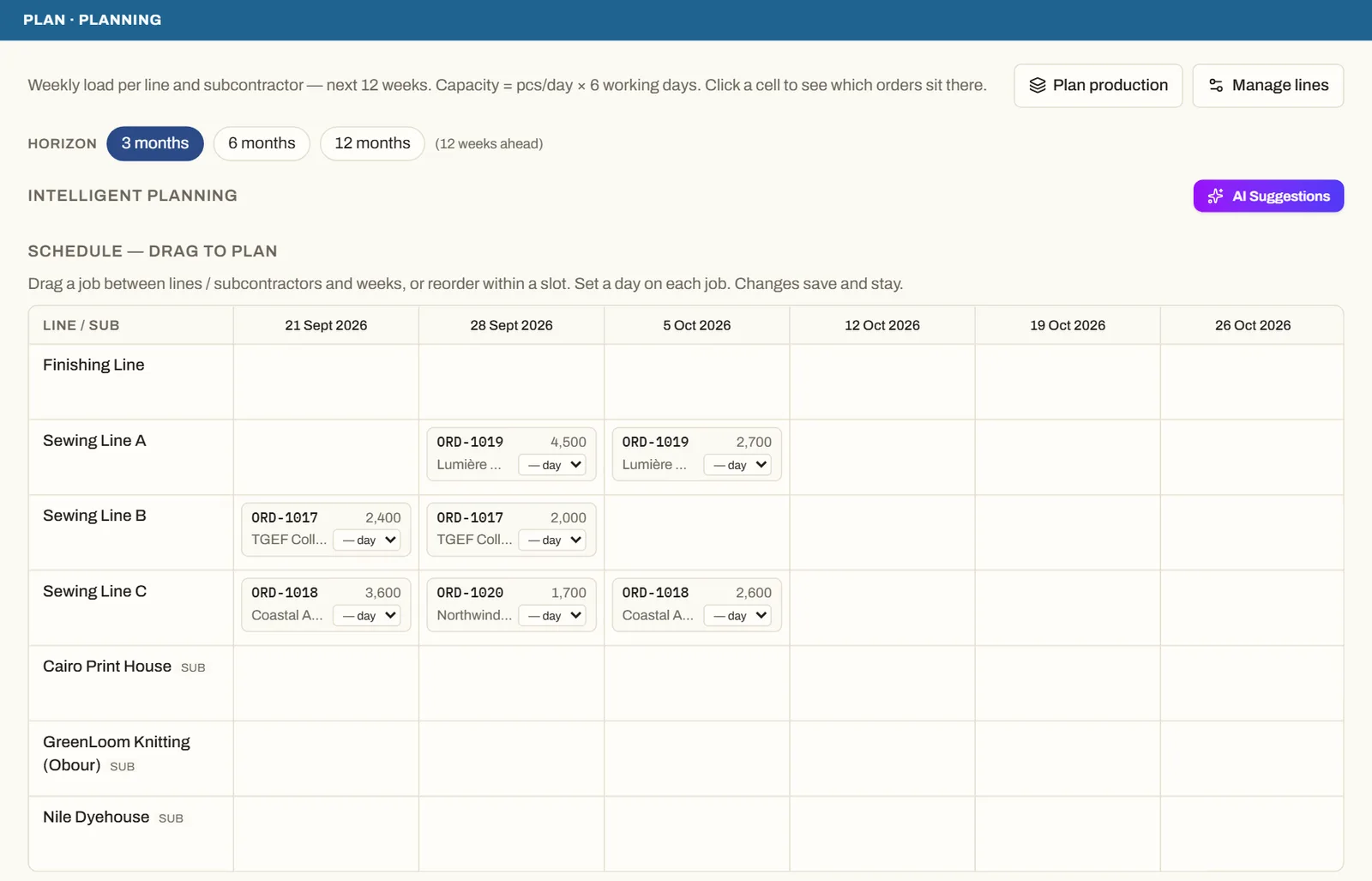
See it on real screensPlan lines and subcontractors week by weekOpen the feature page →