What it is
A production order (PRD) splits a buyer order into a work order the floor runs — with a job card per department (cut, sew, finish, QC, pack), derived from the factory's own route, including subcontracted stages. One buyer order can have several PRDs (by colour, size, shipment, or line).
How to use it
From the Planning hub or an order's Production tab, choose a split basis, review or edit the slices, and issue. The AI can suggest a split; warnings flag a missing-materials blocker, over-capacity, or a ship-date risk before you commit — overridable and logged.
Good to knowCreating production orders is a planner's decision made where line capacity is visible — it lives in the Planning hub, not buried on the buyer-order tab.
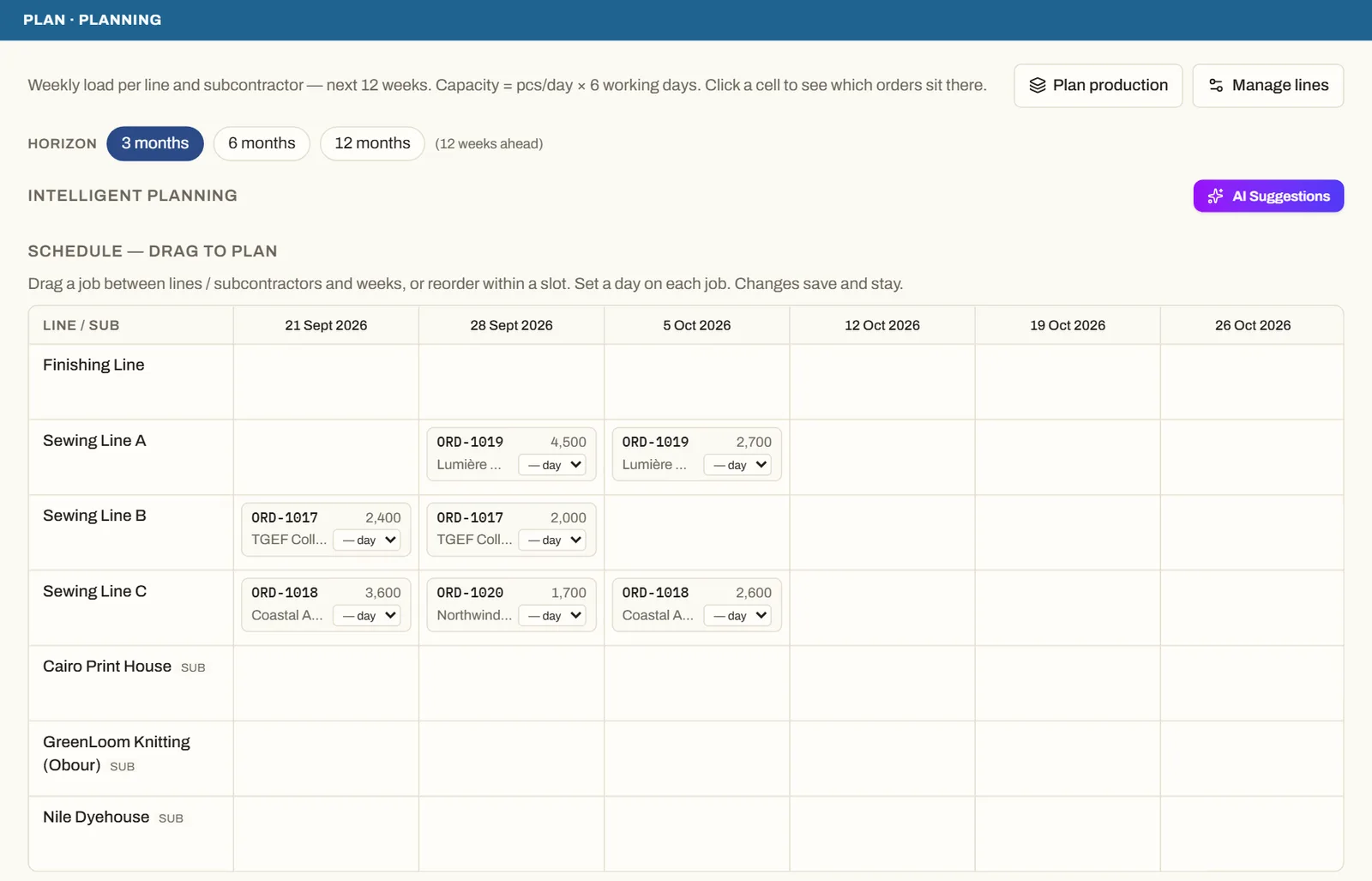
See it on real screensPlan lines and subcontractors week by weekOpen the feature page →