What it is
Confirming an order moves it from Draft to Confirmed and freezes its quality standard — the AQL plan and the buyer's required inspections — as a snapshot. Inspections then run against that frozen standard, not a hardcoded default, and a later edit to the style can't move it.
How to use it
On a Draft order, use the guided 'Make this order real' steps: confirm it, set the breakdown, record payment terms, apply the Time & Action plan, raise the purchase request, and plan production. Each step routes through its real control behind a confirm gate.
Good to knowThe QA snapshot is like the cost sheet — frozen at confirmation so a spec change months later never silently re-samples the lot.
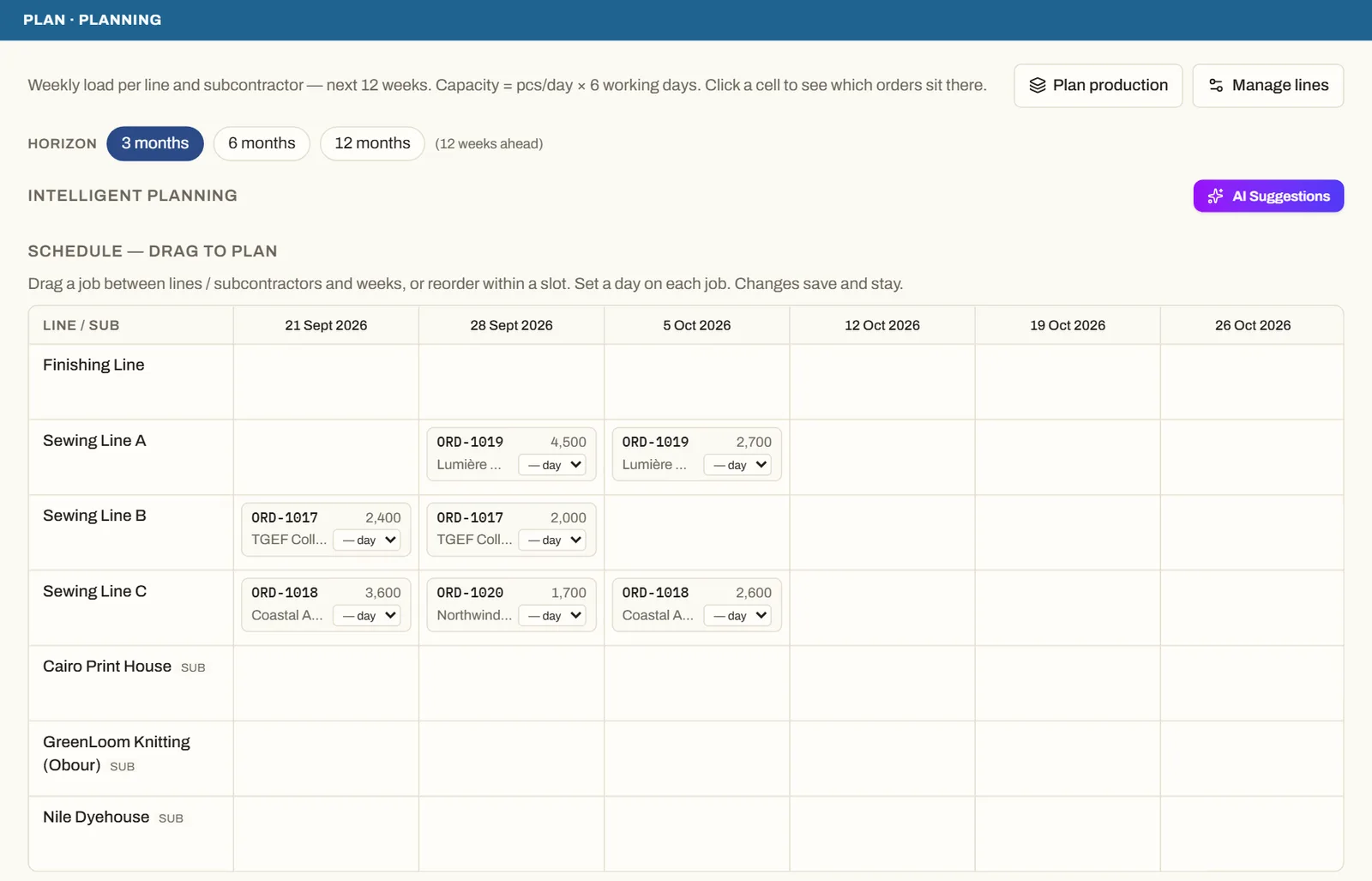
See it on real screensPlan lines and subcontractors week by weekOpen the feature page →