What it is
The role dashboard is one screen that re-arranges its cards for whoever signs in — a merchandiser sees cockpit, performance, and quotations; a planner sees efficiency and production; QA sees quality. Every figure comes from a real read helper, with an honest '—' when a metric has no data.
How to use it
Open Insights → Dashboard. Each card shows a headline KPI and links to its full screen only when your role may reach it — so you see a cross-functional number without gaining write access you shouldn't have.
Good to knowA metric with no denominator (no shipments yet) reads '—', not a fabricated 0% — the dashboard never invents progress.
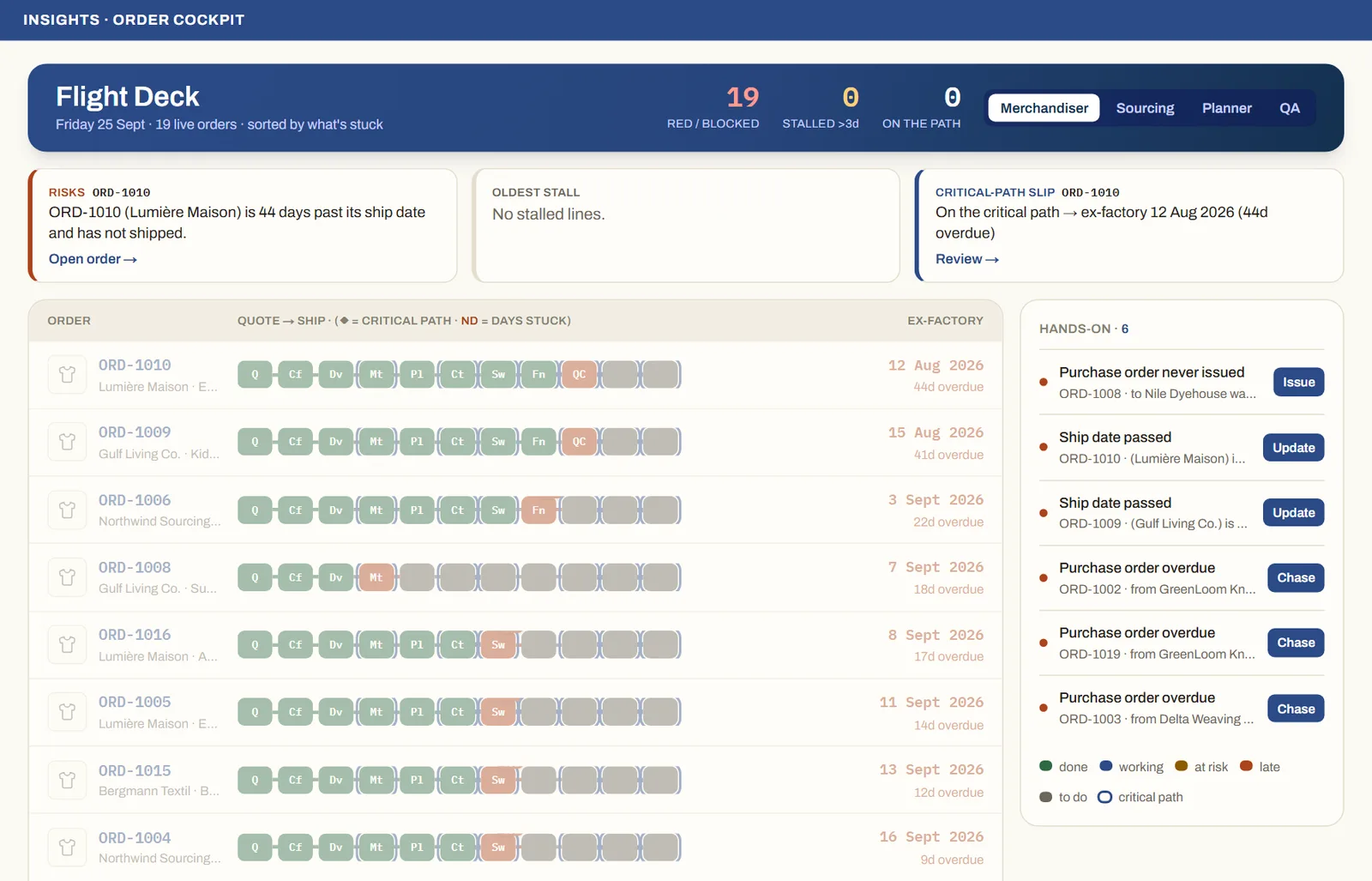
See it on real screensThe whole order book at a glanceOpen the feature page →