What it is
Lists and reports export exactly what is on screen — the filtered rows, the same columns. A list exports to Excel or CSV; a report also exports to PDF and shows a preview before download. The PDF is a clean print of the report region with a factory letterhead.
How to use it
Use the Export menu on any grid or report. The on-screen grid, the CSV, and the Excel derive from one data source, so they can't diverge. Spreadsheet cells are protected against formula injection.
Good to knowA PDF prints in a forced-light theme with a 'generated from live data' header, so it looks the same whichever app theme you use.
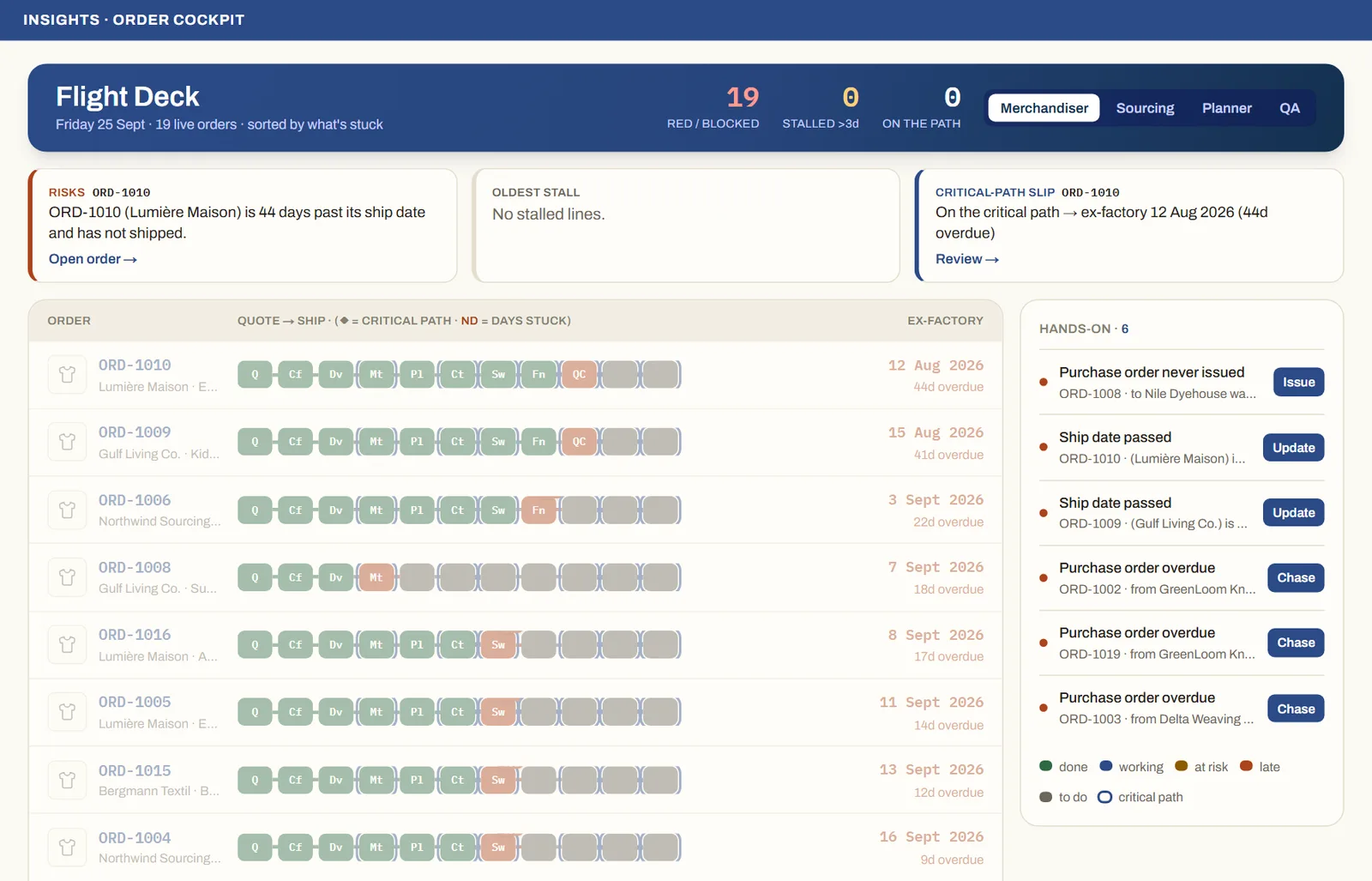
See it on real screensThe whole order book at a glanceOpen the feature page →