What it is
The reports hub is the index of every factory report, grouped by cadence — daily (WIP, daily production, hourly efficiency, cutting, dispatch), weekly (buyer status, sourcing, capacity, production plan, T&A, samples), monthly (performance/OTD, quality DHU, AQL, costing/margin, supplier scorecard), and periodic. Each reads from a single engine, so a report can never disagree with the screen it summarizes.
How to use it
Open Reports, pick a report, and filter by buyer, date range, or status. Reads are honest — an absent value shows '—', a status colour is read from the source, not re-derived. Buyer-facing reports never show cost.
Good to knowMerchandiserOS reports on the factory's own work — orders, production, quality, sourcing and cost. Retail reports such as WSSI and open-to-buy are outside its scope.
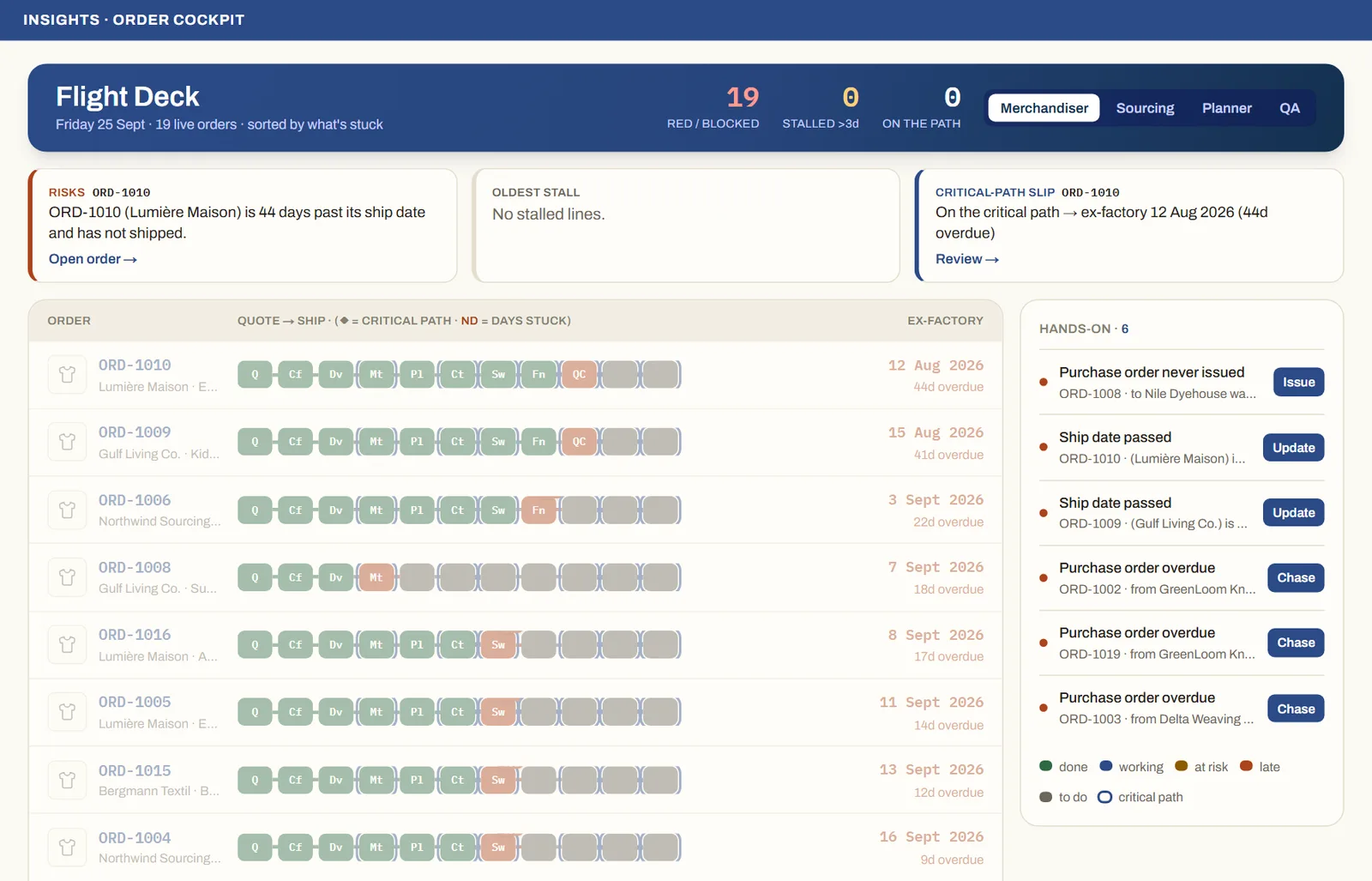
See it on real screensThe whole order book at a glanceOpen the feature page →