What it is
The left sidebar follows the order lifecycle: Home, Quote, Develop, Plan, Source, Produce, Quality, Ship, Insights, Settings. Every record (an order, style, PO, inspection) opens in the same three-panel workspace — a fixed identity panel on top, a list of siblings, and a scrolling tab body.
How to use it
Press ⌘K (Ctrl+K) anywhere to search across every entity. On a record screen, the identity panel and tab bar stay pinned so you always know which record you are on. Actions that change the main record sit in its Actions menu; actions on a detail sit with that detail's tab.
Good to knowThe record's identity never scrolls away — code, name, status, and tabs stay visible on long screens by design.
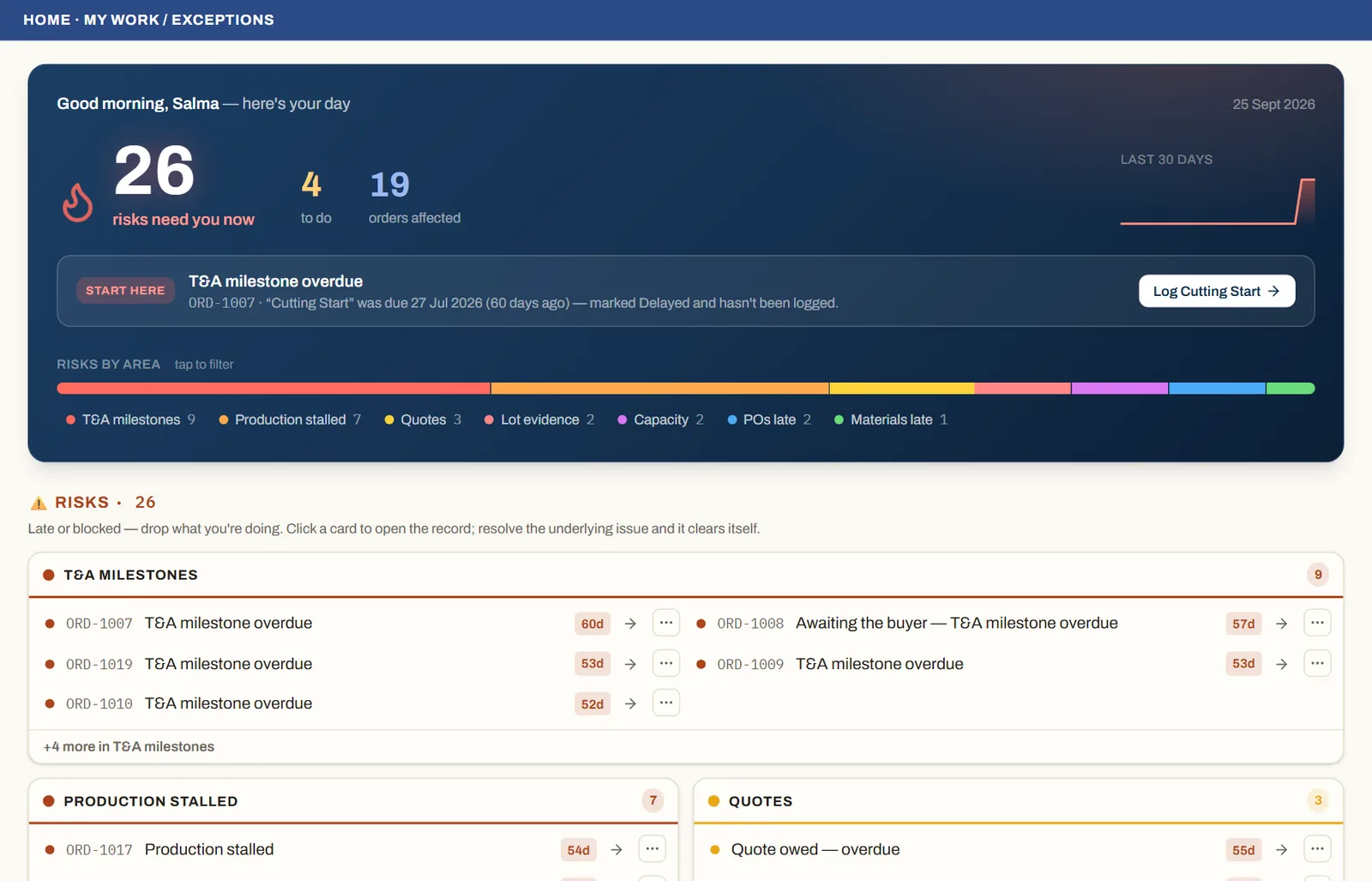
See it on real screensYour day starts with what's lateOpen the feature page →