What it is
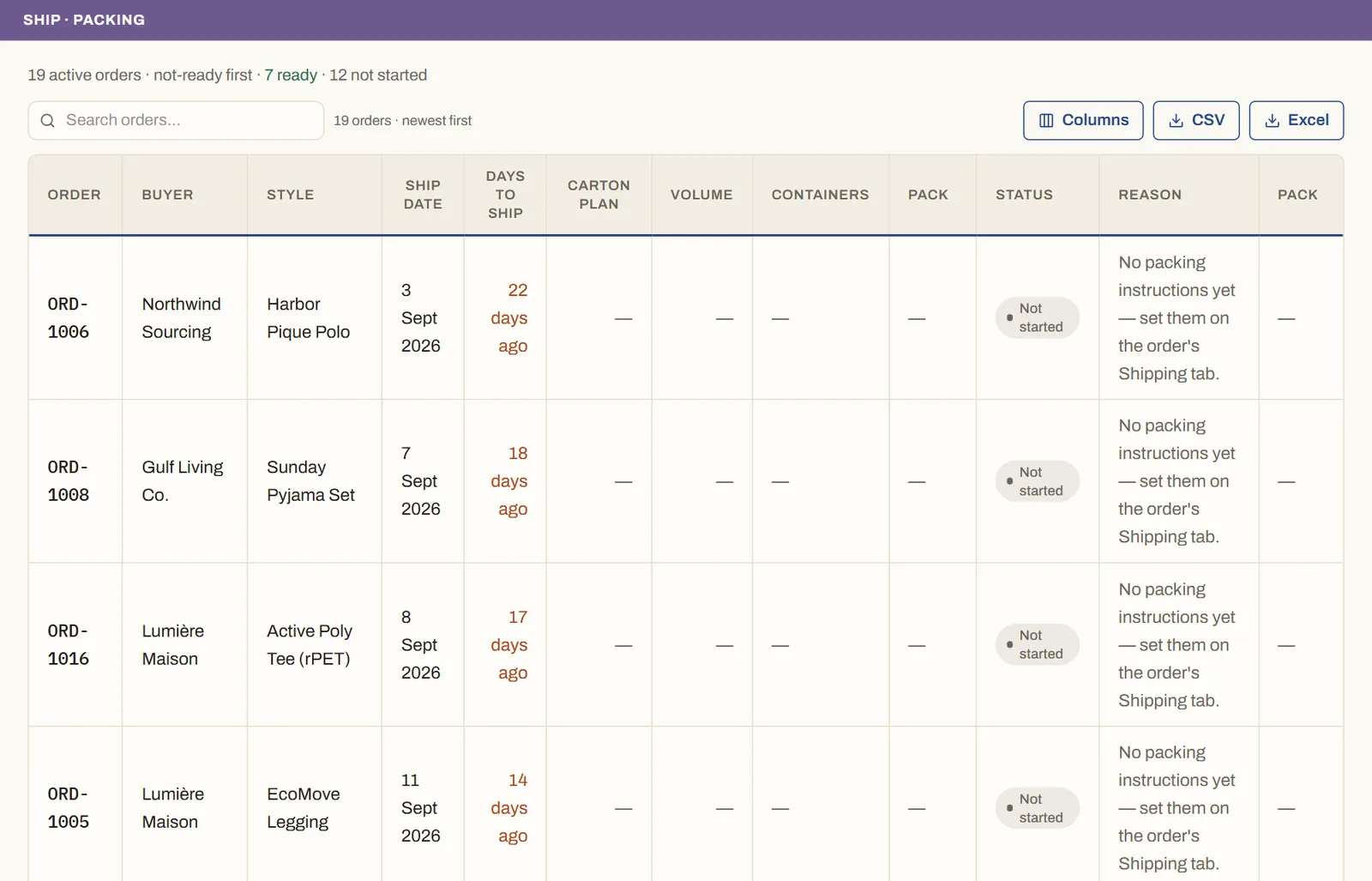
Packing instructions capture the physical pack — folding, polybag (with the suffocation-warning flag), assortment (solid, ratio, or mixed), inner and master cartons, carton dimensions, and the main plus side shipping marks. From the dimensions the app computes the carton plan and shipment volume (CBM and containers needed).
How to use it
On an order's Shipping tab, set the packing instruction and watch the live carton plan build from the order's real breakdown. Print the packing sheet for the floor, or pack by scanning carton barcodes at the packing station.
Good to knowThe carton plan and container count compute from the values you set — an empty field shows an honest '—', never a fabricated 0.
See it on real screensKnow what's ready to ship — and why notOpen the feature page →