What it is
An order ships in one or more deliveries, each allocating a portion of the size×colour breakdown with its own quantity, mode (sea, air, road, courier), ex-factory, ETD, ETA, and required date. A split delivery is a portion-of the order, so it can't drift from the breakdown.
How to use it
On the Shipping tab, add a delivery and allocate its contents (the app blocks over-allocating a cell). Confirm packing, then mark it shipped — which stamps the actual ex-factory date. When every delivery ships, the order rolls up to Shipped.
Good to knowA partial-shipment flag respects the LC — a split order under a no-partials letter of credit is soft-blocked (UCP 600), overridable with a buyer waiver.
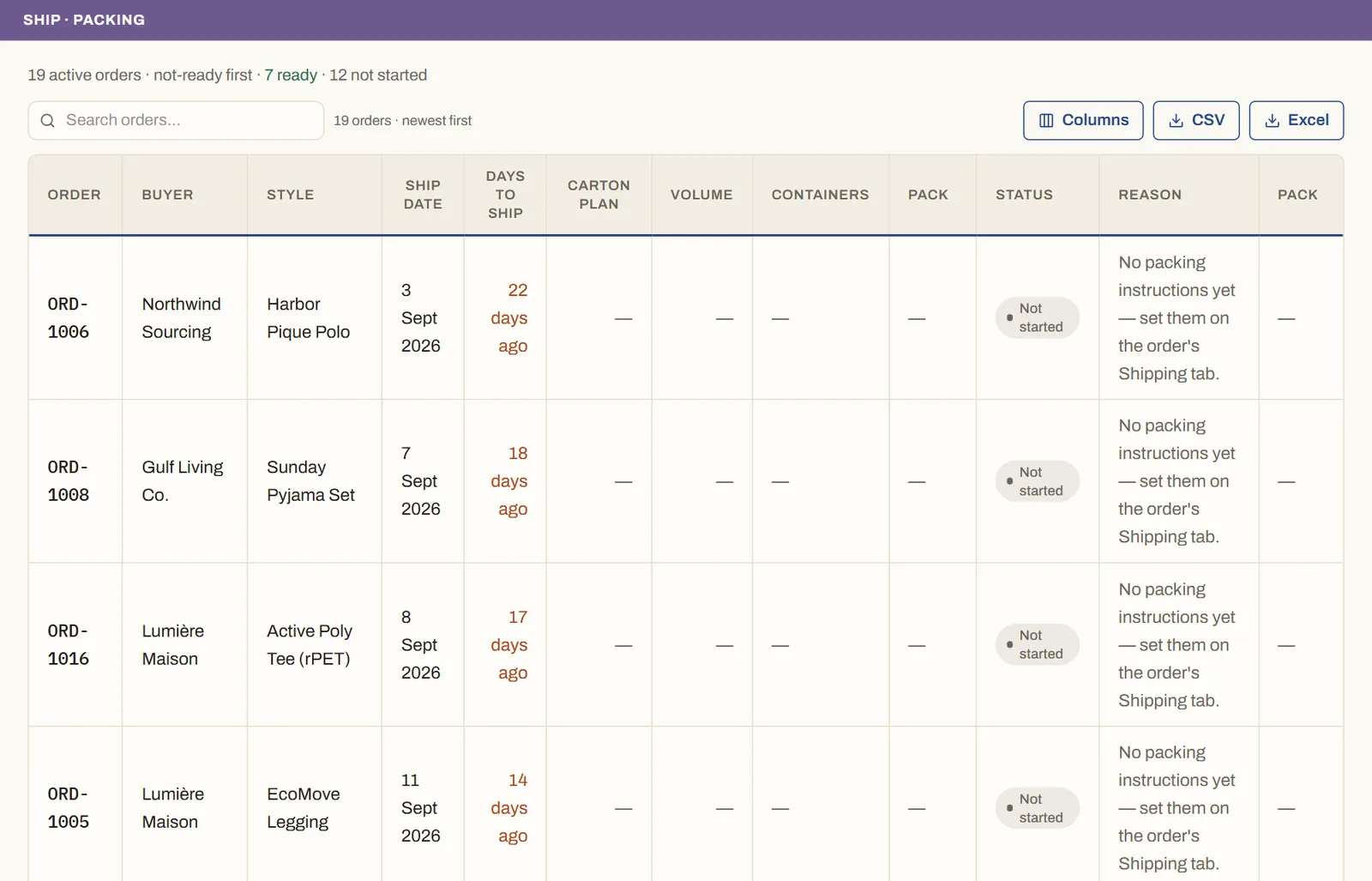
See it on real screensKnow what's ready to ship — and why notOpen the feature page →