What it is
A purchase request is a requisition of what to buy — with no money on it. Depending on how your factory is set up, the priced purchase order is then issued here or in your ERP; payment always happens in your ERP. The request pre-fills from an order's bill of materials and trim requirements (consumption × quantity, with the suggested supplier).
How to use it
From an order's Materials tab, create a purchase request — the app fills the lines. Submit it for approval, and an approved request can become one consolidated draft PO per supplier. The MRP 'what to buy' view nets demand across the whole order book so you buy once.
Good to knowAn order already has a request? The app blocks a second one that would double-order the same materials and links you to the existing request.
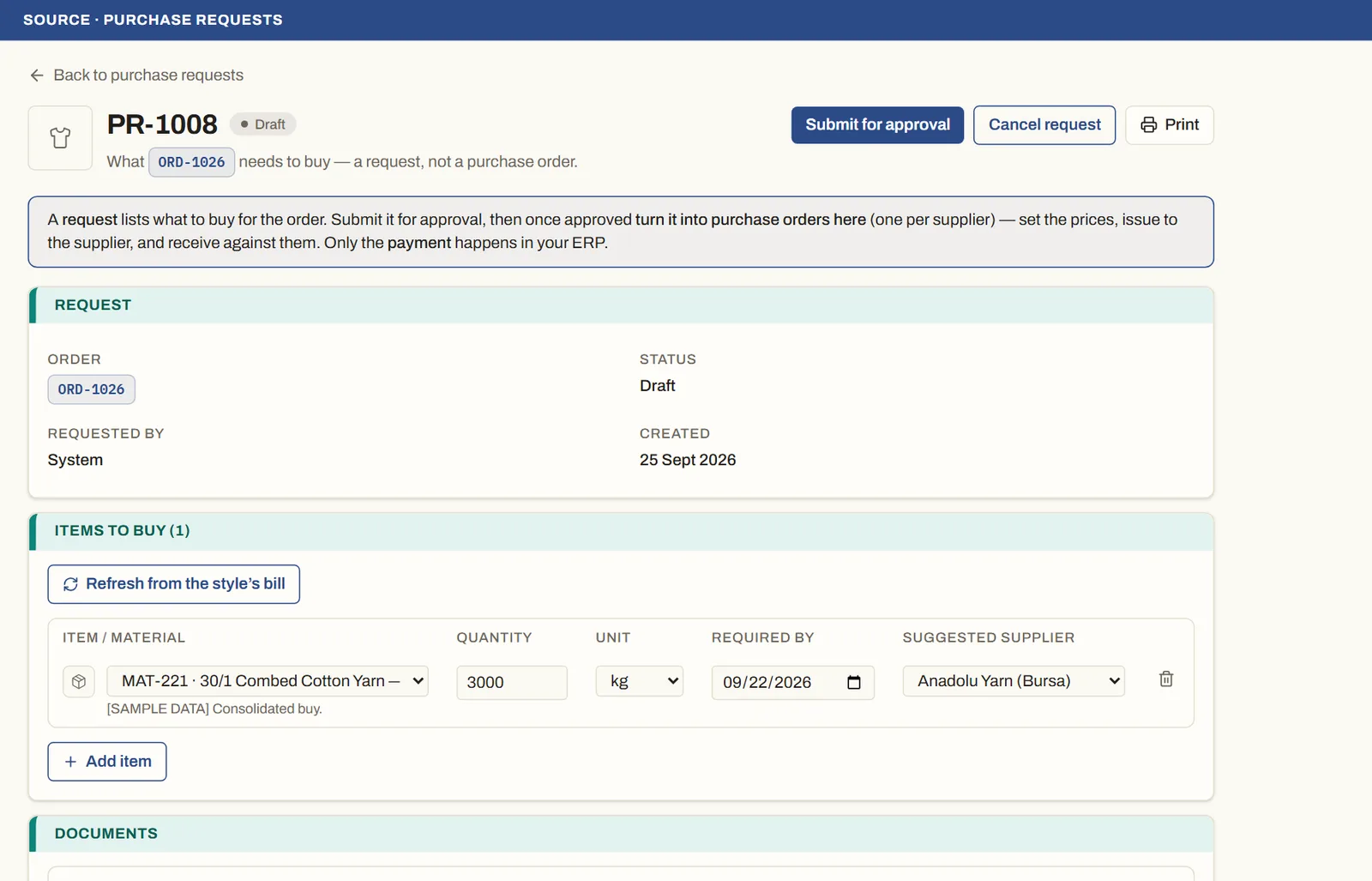
See it on real screensFrom purchase request to goods receivedOpen the feature page →