What it is
The material library is your master list of fabrics, yarns, trims, and packaging. Each material carries a type (which sets its cost basis), composition, unit, a reference price, ERP mapping fields, and live stock on hand (received minus issued).
How to use it
Add a material from Develop → Materials, or find-or-create one inline while building a bill of materials. Set its type so it filters correctly in BOM pickers and costs on the right basis. A near-duplicate can be merged into the canonical record, moving every reference and archiving the dupe.
Good to knowFinance fields — valuation, GL accounts, tax — are deliberately not stored here; they live in your ERP, referenced by the material's ERP code.
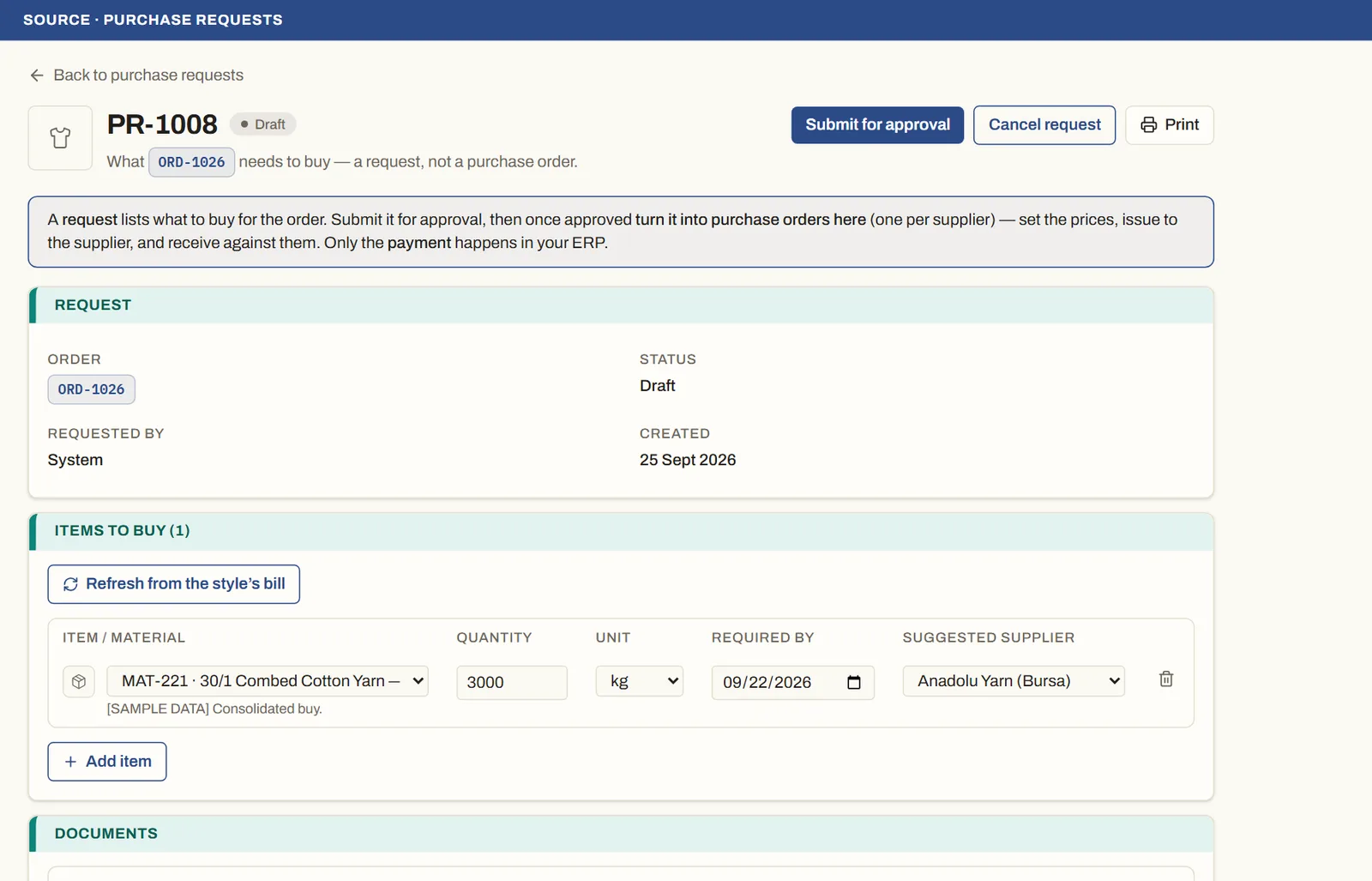
See it on real screensFrom purchase request to goods receivedOpen the feature page →