What it is
Receiving books a Goods Received Note against a purchase order line — attributing stock to the right material, closing the PO when fully received, and capturing the lot's evidence (dye-lot, shade band, test report) for the product passport. Material issue then sends that stock to a production order.
How to use it
Go to Source → Receiving (GRN), pick the PO line, and enter the received quantity (partial receipts accumulate; over-receipts are handled honestly). Capture the dye-lot. Then issue material to the order — the app warns if two different lots would reach one order.
Good to knowYou can run the store here, or run receiving in your ERP — turn the store modules off in Settings and the app goes neutral, never fabricating a false 'nothing received'.
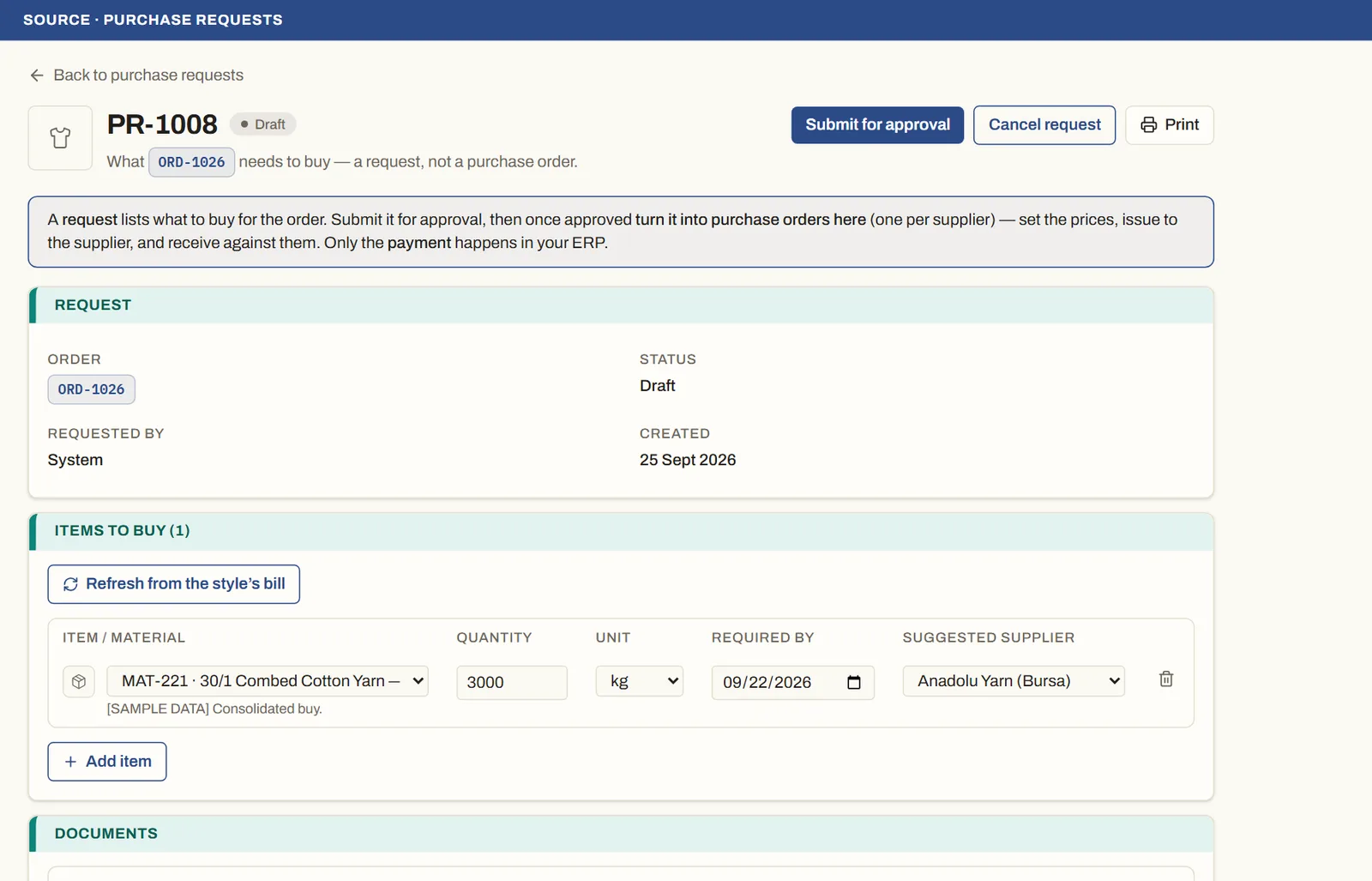
See it on real screensFrom purchase request to goods receivedOpen the feature page →