What it is
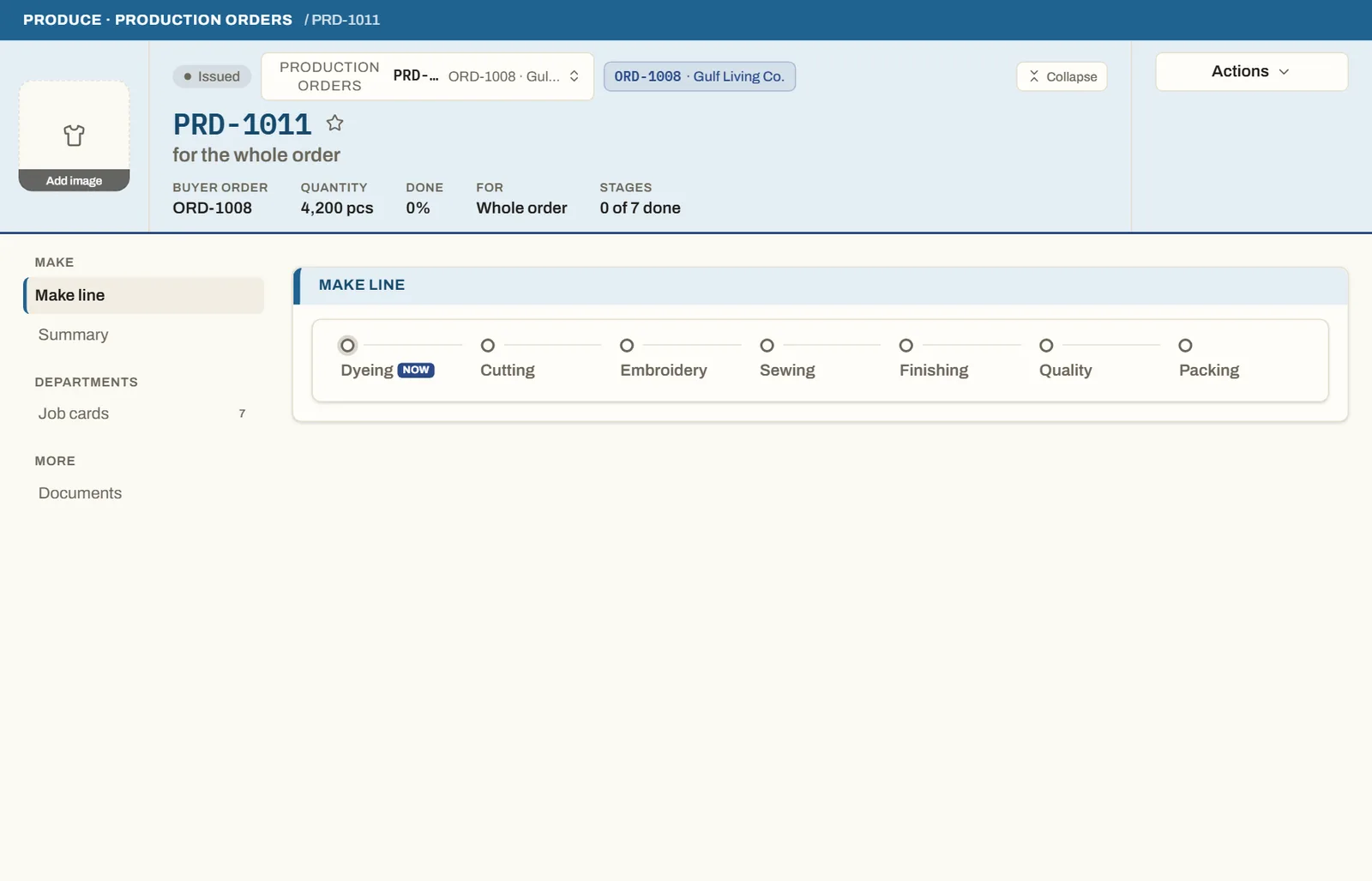
The WIP board shows each in-production order's progress through its real route stages — dye, cut, print, embroidery, sew, finish, QC, pack — derived from your factory profile (so a subcontracted or supplied stage shows correctly). It flags impossible output, like a stage claiming more than its upstream produced.
How to use it
Open Produce → Production followup to read the board. Each order's stages show done, in-progress, or blocked. A line that has gone quiet for more than a few working days raises a 'production stalled' exception on My Work before the ship date turns red.
Good to knowTwo production figures are shown distinctly — 'garments sewn' (the buyer's piece count) and 'route progress' (how far through cut→pack) — because a garment can be 100% sewn while finishing continues.
See it on real screensProduction orders and the factory floorOpen the feature page →