What it is
The bill of materials (the style's BOM section) is one classified bill — fabric and trims together, grouped into sections (shell, lining, trims, decoration, packaging). Each line links to a real material in your library so it can be bought, stocked, and costed.
How to use it
Add each line, choose its material from the picker (or add a new one inline), and set consumption, unit cost, and wastage in the Cost details. A completeness nudge warns when a bill has fabric but no thread, labels, or packaging.
Good to knowA hand-typed material that is not in your library is flagged — link it (or find-or-create it) so purchasing and stock can see it.
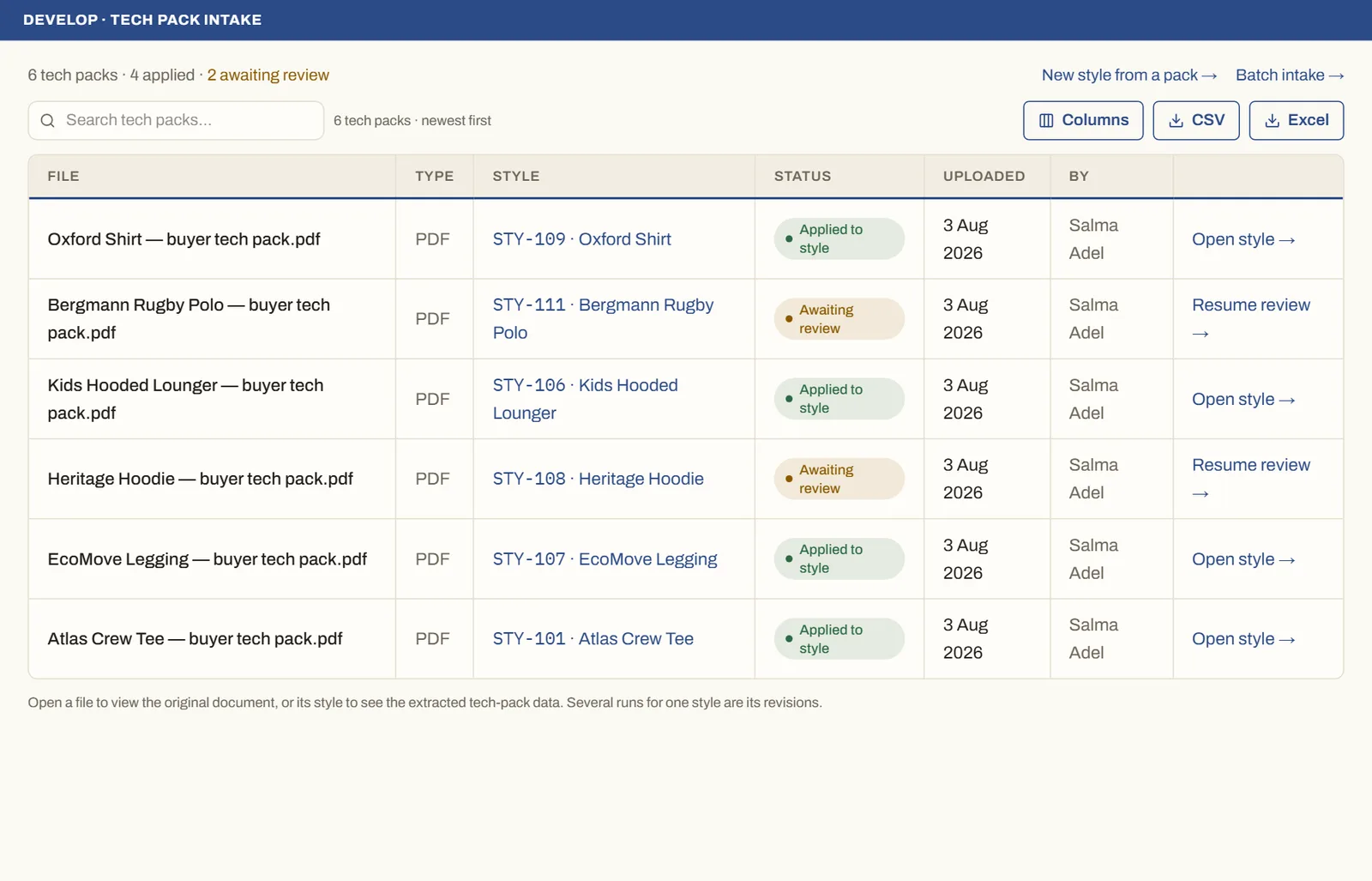
See it on real screensTech pack in, structured style outOpen the feature page →