What it is
A style is the full technical record of a garment — its constitution. It carries the bill of materials, measurements, construction, colourways, wash and finish, labels, quality plan, and cost. One creation funnel starts it three ways: drop a tech pack, pick a ready archetype kit, or start blank.
How to use it
Go to Develop → Styles → New style. Name it, pick the buyer, and choose an entry mode. An archetype kit (knit tee, polo, trouser…) pre-fills the standard structure so you complete what the pack did not spell out, instead of typing from scratch.
Good to knowAlmost every field is a pick, not free text — fabric type, garment type, stitch, machine — so your data stays clean and reusable across styles.
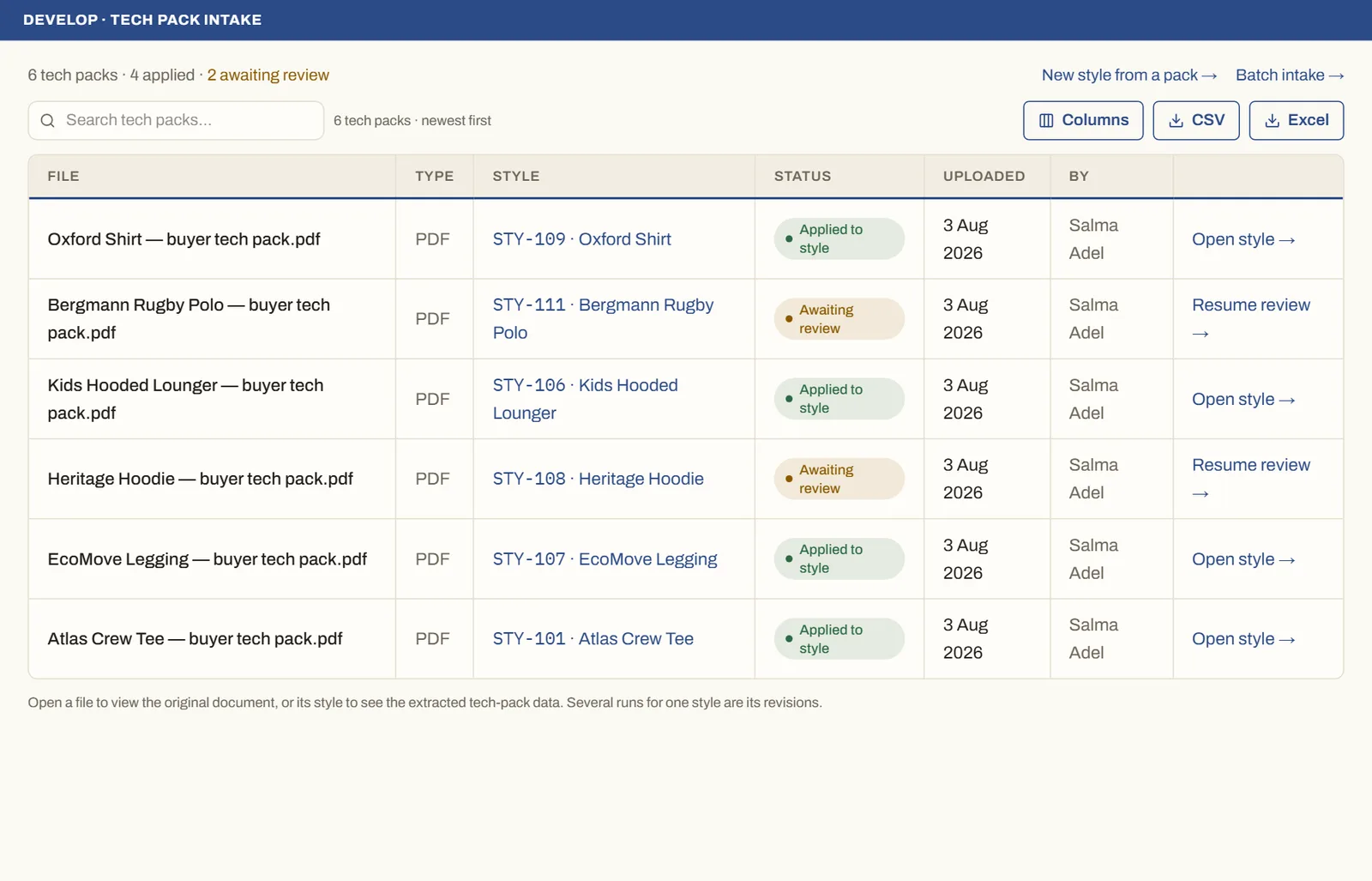
See it on real screensTech pack in, structured style outOpen the feature page →