What it is
The measurement chart (POM) is size-scale-driven and auto-graded. Each point of measure has a base size, a grade rule per step, and asymmetric plus/minus tolerances; the spec is filled across the style's whole size scale.
How to use it
Pick the size scale on the style, then for each point set the base value and grade, and click 'Fill from base' to grade it across the scale. A recorded actual outside tolerance is auto-flagged red on QC inspections.
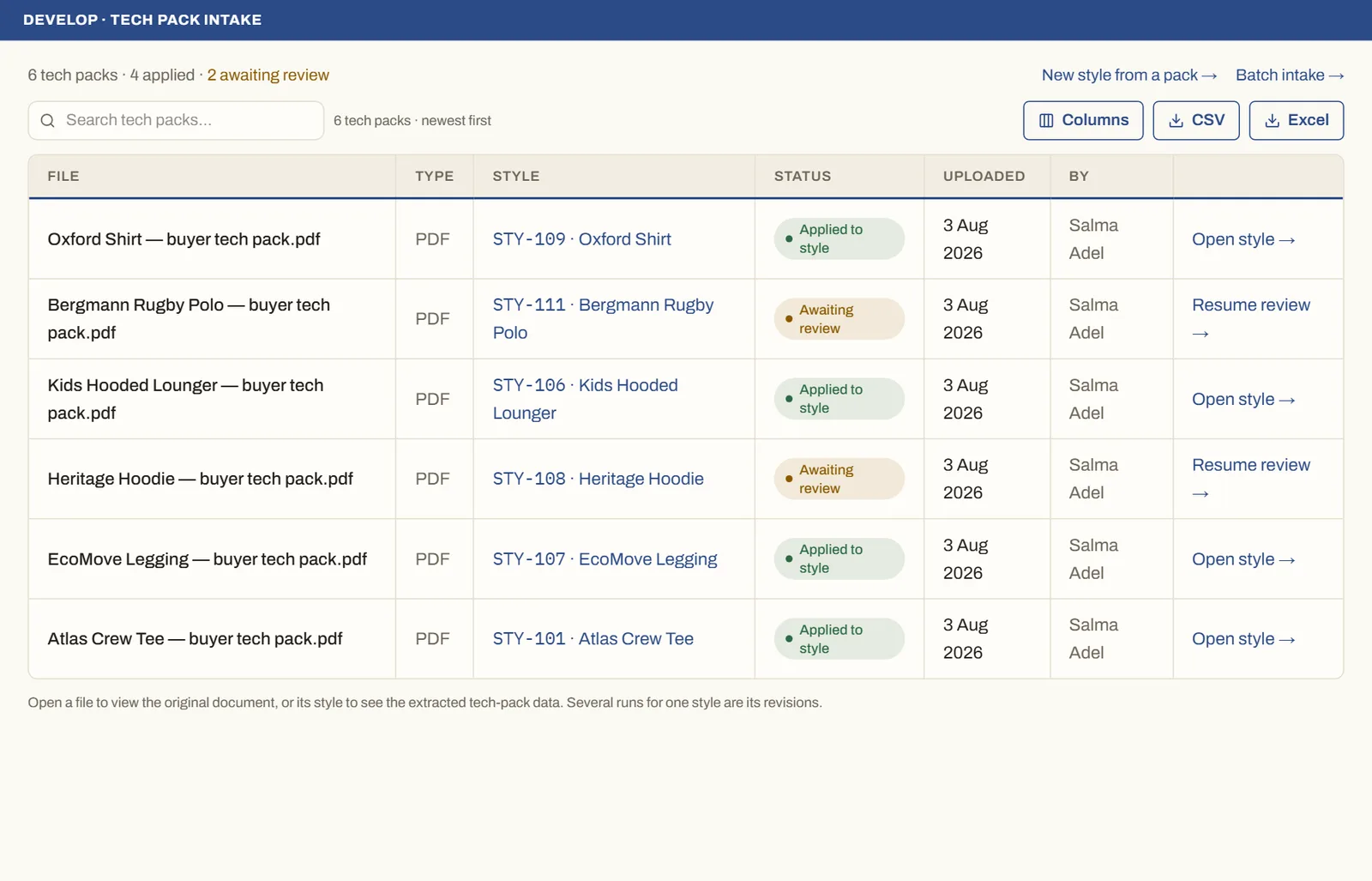
Good to knowThe chart adopts the pack's actual size set — kids ages, numeric scales, alpha — so no size is silently dropped when you extract a tech pack.
See it on real screensTech pack in, structured style outOpen the feature page →