What it is
The samples and approvals workflow covers lab dips, strike-offs, and garment samples (proto, fit, size-set, PP, TOP). Each is a series of rounds — submit to the buyer, record their decision, resubmit — with the submission details, courier, photos, and reject reason captured.
How to use it
In Develop → Samples (or Colour & artwork for lab dips and strike-offs), open the requirement and log a round with what was sent, who sent it, and the courier or tracking. Record the buyer's per-round verdict. The style itself only lists what is required and its status. An approved order-scoped decision auto-completes its matching Time & Action milestone.
Good to knowSample tasks also flow from the order's Time & Action plan onto the sampling team's worklist, so nobody chases a spreadsheet.
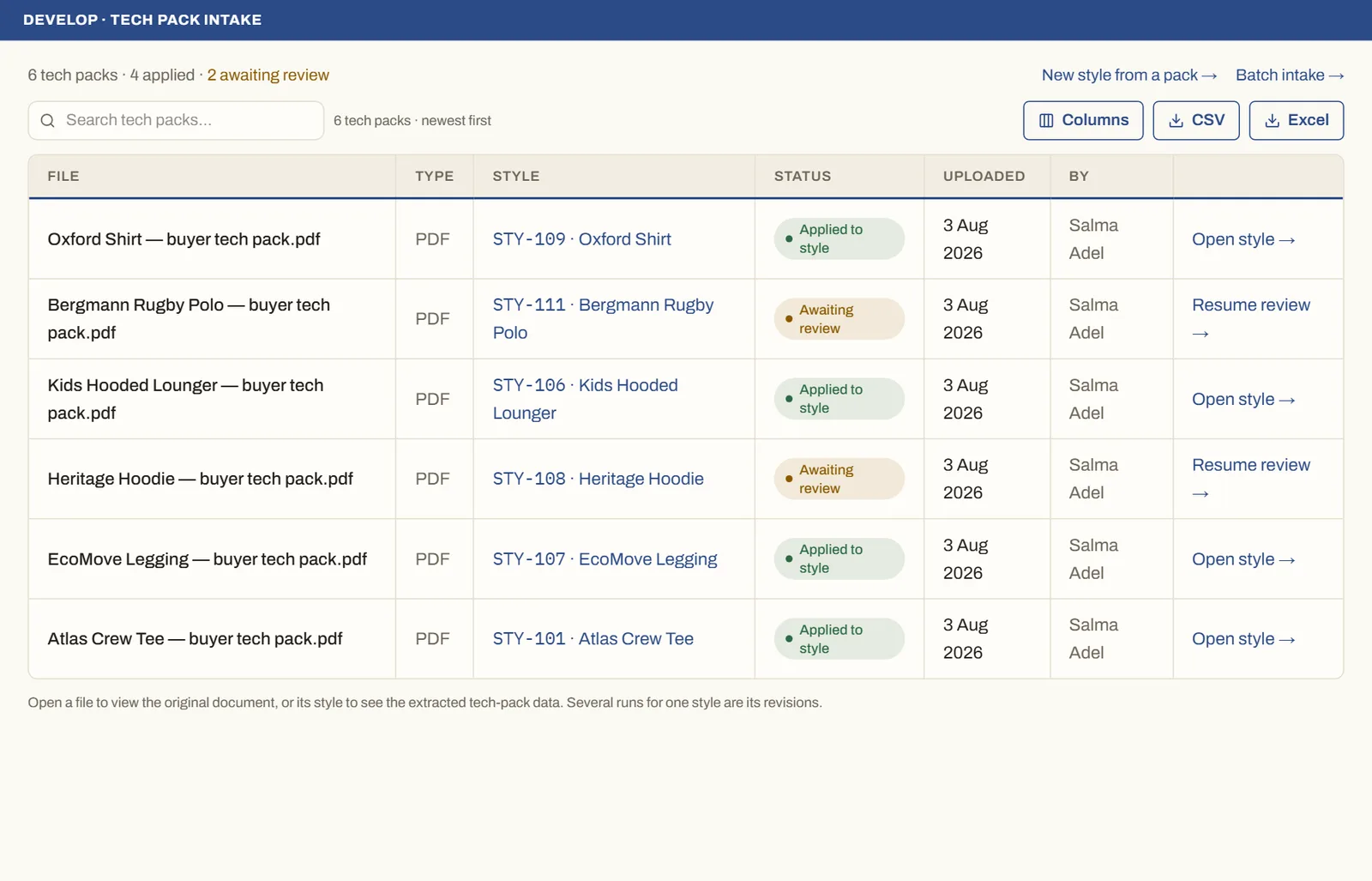
See it on real screensTech pack in, structured style outOpen the feature page →