What it is
The guide capability turns the assistant into a novice's teacher — ask 'how do I use this screen?' on any page and it explains what the screen is for and how its first record gets created. The busiest screens (styles, orders, quotations, standard costing, planning, sourcing) get a fuller guide — purpose, numbered steps and the next action, in plain factory terms.
How to use it
Some fields also carry a small ⓘ info tip explaining what they are and how to fill them — so far on Settings → Standard costing — single-sourced with the guide so they can't disagree. Hover on desktop, tap on a tablet.
Good to knowThe guide never punts to 'check the manual or your administrator' — on a zero-training product, that would break the promise, so it always teaches.
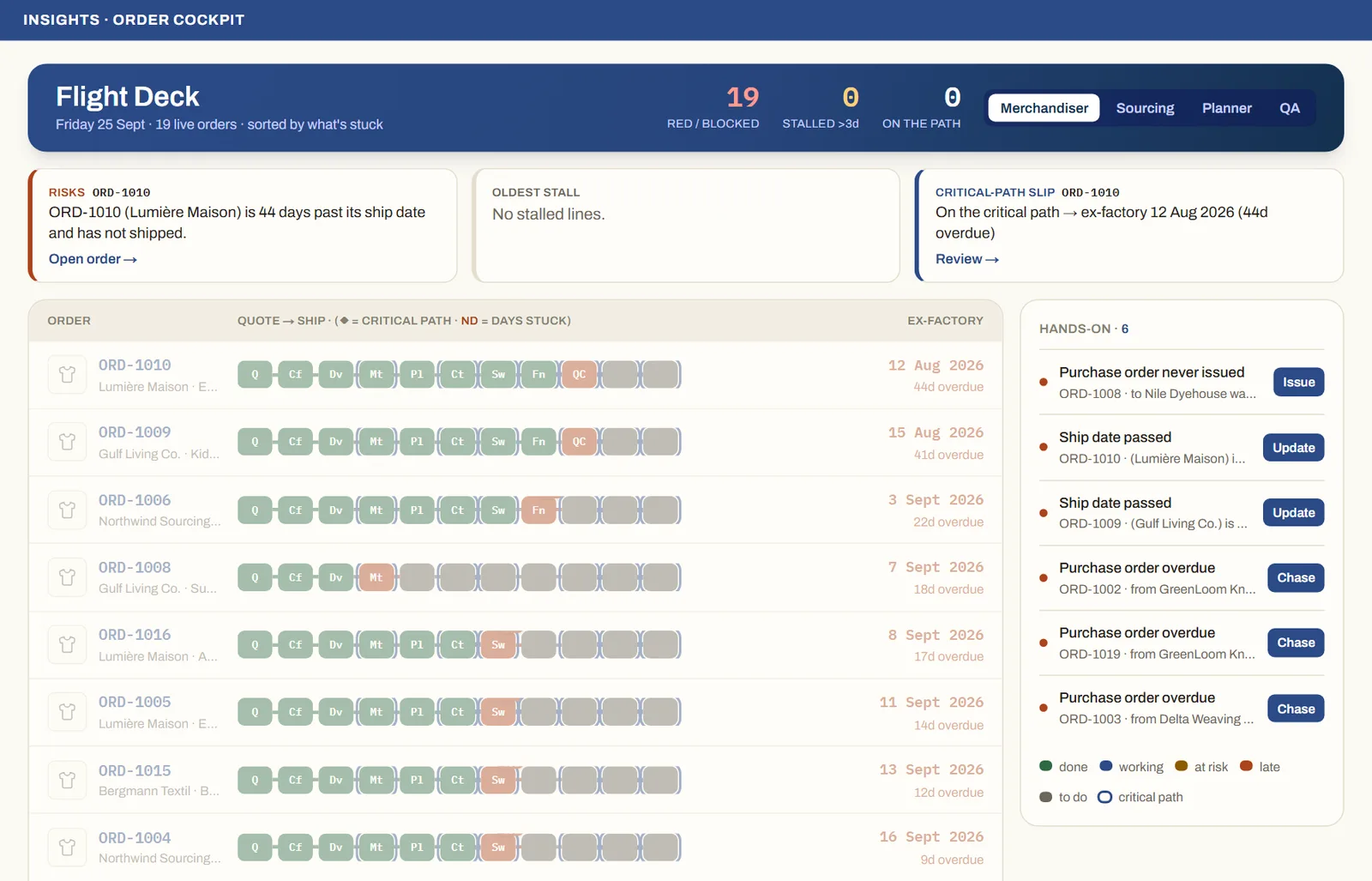
See it on real screensThe whole order book at a glanceOpen the feature page →