What it is
Inbound triage reads incoming messages — email (read-only — Gmail, or any company mailbox) or a simulated WhatsApp — classifies the intent (ship date, price, delay, quality, approval), grounds it in the real record's current status, and links it to the right order. It reads Arabic and answers in the app's language.
How to use it
In Settings → Integrations → Email, connect Gmail or any company mailbox (its address and password), and add the sender accounts you monitor. New inbound surfaces on My Work and in Messages → Inbox, each card showing the AI's grounded summary, the linked record, and a safe suggested action you approve.
Good to knowA message that would change a record's state is proposed as an allowlisted, reversible update you approve — never auto-applied.
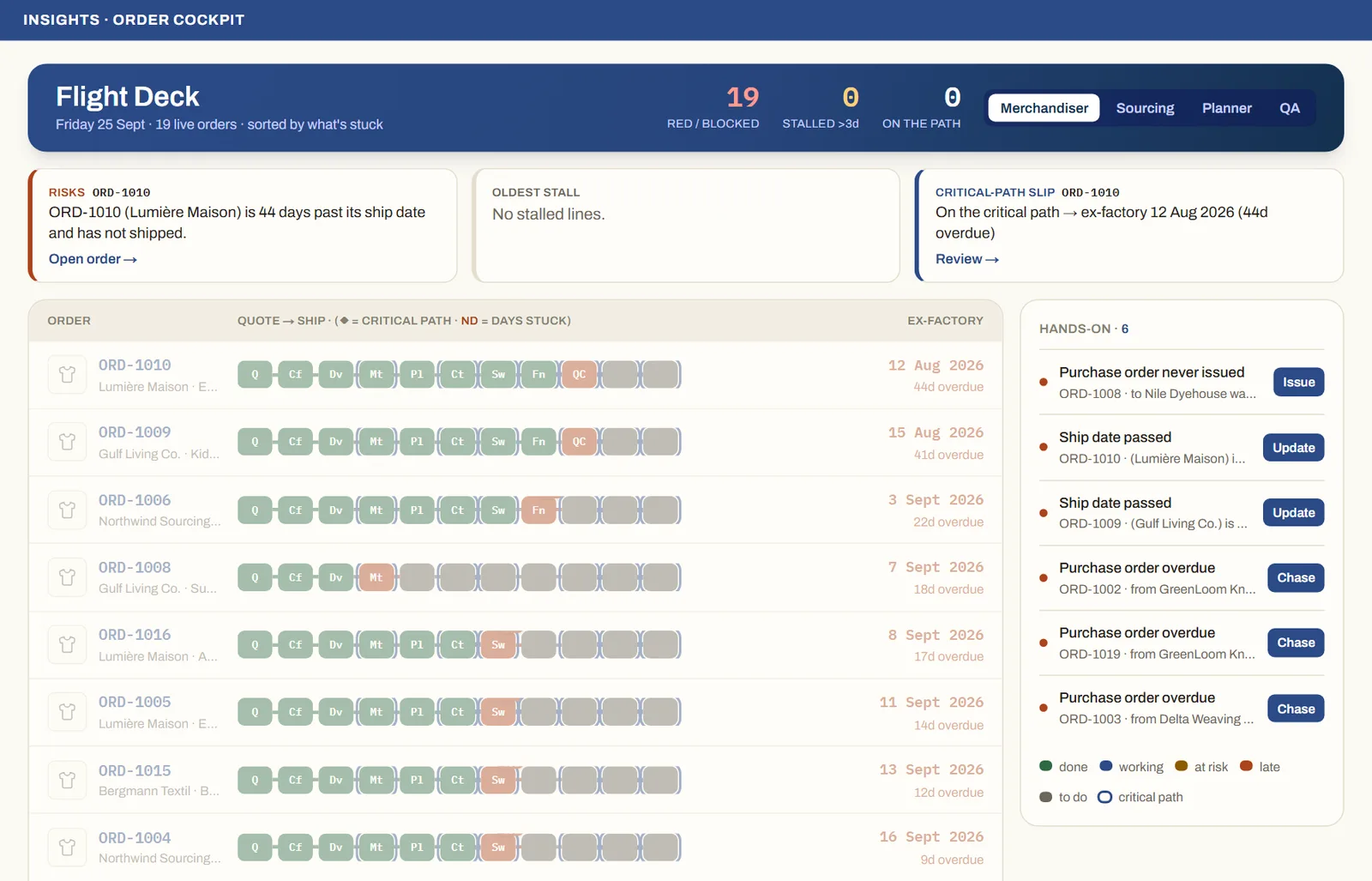
See it on real screensThe whole order book at a glanceOpen the feature page →