What it is
A CAPA (Corrective And Preventive Action) tracks the response to a quality failure — a rejected inspection, a buyer complaint — through to root cause, action, verification, and close. It keeps a rejection from being a dead end.
How to use it
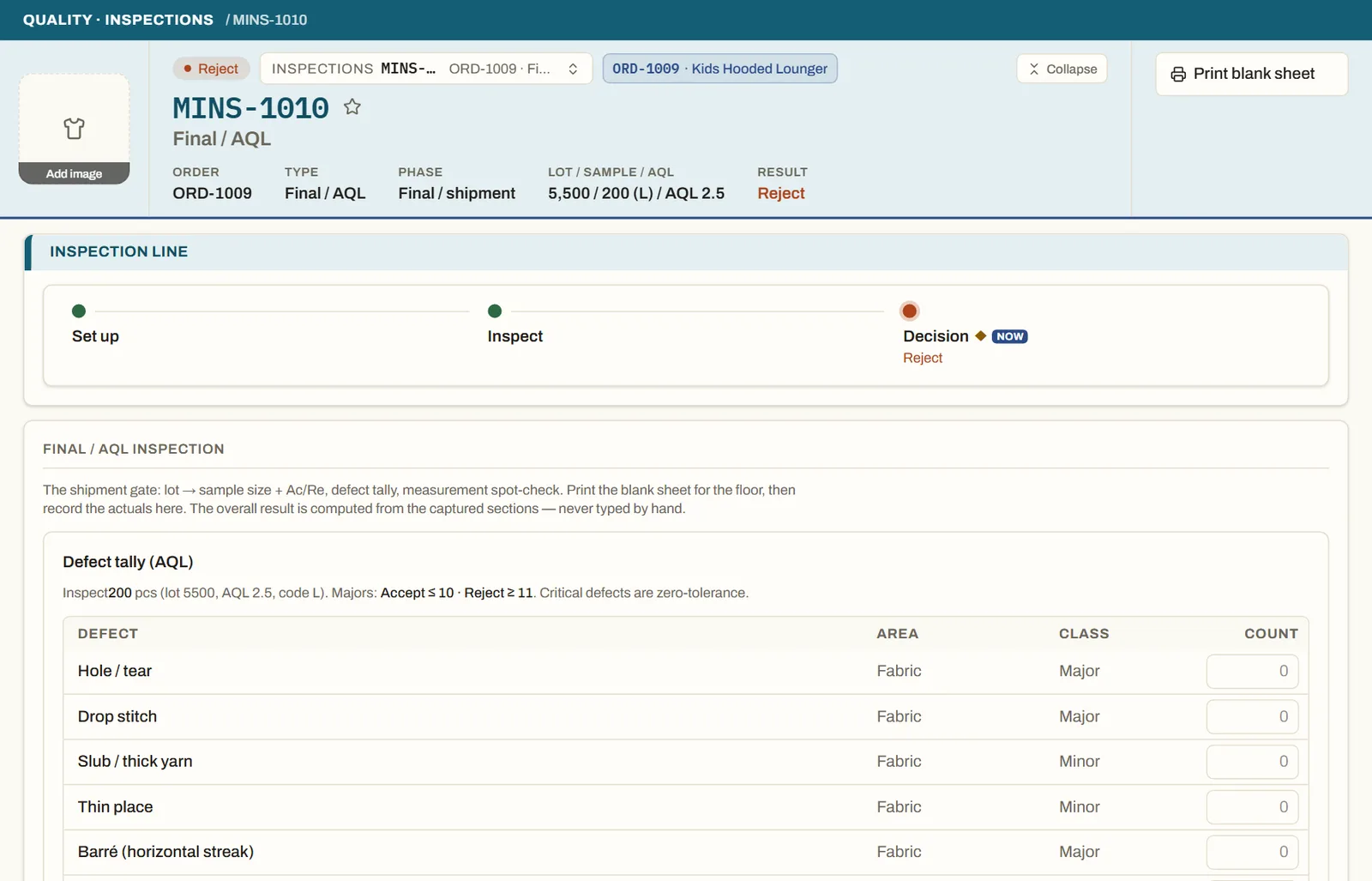
A rejected or reworked inspection offers a one-click CAPA. Record the cause and the corrective action, assign it, and verify before closing. Open and overdue CAPAs surface on My Work and the quality dashboard.
Good to knowA CAPA is opened from real evidence — a computed reject or a logged complaint — not created speculatively.
See it on real screensInspections that decide by the bookOpen the feature page →